Chapters
Angles and coordinates
An angle can be written in more than one unit, and a point in the plane can be described in more than one coordinate system. Neither choice changes the underlying geometry - a right angle is a right angle whether you call it 90 degrees, π/2 radians, or 100 gradians - but the number you write down depends entirely on the convention you pick. This chapter explains the three angle units, the older degrees-minutes-seconds notation, and the two ways of naming a point (rectangular and polar). It then shows the exact Castiel functions that convert between them.
This is the companion to Trigonometry: trigonometry cares deeply about which angle unit is active, and the conversions here are how you move an angle from one unit to another without disturbing that setting.
The three angle units
Every angle unit answers the same question - "how much of a turn is this?" - by splitting a full turn into a different number of parts.
- Degrees (
DEG) split a full turn into 360 equal parts. A right angle is90degrees, a straight line180. This is the everyday unit from school, and the historical choice of 360 traces back to Babylonian astronomy. - Radians (
RAD) measure an angle by the arc length it cuts on a circle of radius 1. A full turn is2πradians (about6.283), a right angle isπ/2(about1.571), a straight line isπ. Radians are the natural unit for calculus and higher mathematics, because the neat rules of trigonometry (rates of change, series) only come out clean when angles are in radians. - Gradians (
GRA), also called grads or gons, split a full turn into 400 parts, so a right angle is exactly100gradians. They were designed to make right-angle arithmetic decimal, and they survive in some surveying and civil-engineering work.
Because they all describe the same turn, converting between them is just a fixed proportion:
360degrees =2πradians =400gradians (one full turn).90degrees =π/2radians =100gradians (a right angle).
So to turn degrees into radians you multiply by π/180; to turn degrees into gradians you multiply by 400/360, that is 10/9. You never need to memorise these factors - the calculator carries a function for each direction - but it helps to know that a "big" number of gradians and a "small" number of radians can describe the very same angle.
Degrees, minutes, and seconds
Before decimals were universal, fractions of a degree were written the way we still write time: in minutes and seconds. One degree is split into 60 arcminutes, and each arcminute into 60 arcseconds. This is called sexagesimal (base-60) notation, and it is still standard in navigation, astronomy, and map coordinates. An angle such as "23 degrees, 30 arcminutes, 15 arcseconds" is a compact way of writing 23 + 30/60 + 15/3600 degrees.
To compute with such an angle you first turn it into ordinary decimal degrees:
30arcminutes is30/60 = 0.5of a degree;15arcseconds is15/3600 ≈ 0.00417of a degree;- so
23° 30′ 15″is about23.5042decimal degrees.
The reverse - decimal degrees back to degrees, minutes, and seconds - is what you do to report a result in map-and-compass form. Castiel provides both directions as functions (below). A useful detail: the sign of the whole angle is carried by the degrees part, so a southern latitude of -23° 30′ 15″ is entered with the -23 and positive minutes and seconds.
Two ways to name a point: rectangular and polar
A point in the plane needs two numbers to pin it down, but there is more than one sensible pair to use.
- Rectangular (also called Cartesian) coordinates give the point as
(x, y): how far across and how far up from the origin. This is the grid you plot graphs on. - Polar coordinates give the same point as
(r, θ): how far away it is (the distancerfrom the origin) and in which direction (the angleθ, measured anticlockwise from the positive x-axis).
The two are tied together by the right triangle formed by the point, the origin, and the x-axis:
- Going rectangular → polar:
r = √(x² + y²)(Pythagoras) andθis the angle whose tangent isy/x, placed in the correct quarter of the plane using the signs of bothxandy. - Going polar → rectangular:
x = r × cos θandy = r × sin θ.
Polar form is the natural language for anything that radiates from a centre or turns about a point - vectors, forces, alternating-current phases, radar bearings. Being able to flip between the two is a routine step in physics and engineering problems.
Because polar coordinates contain an angle, that angle has a unit, and here Castiel does read the active angle mode - see the note below.
Converting in Castiel
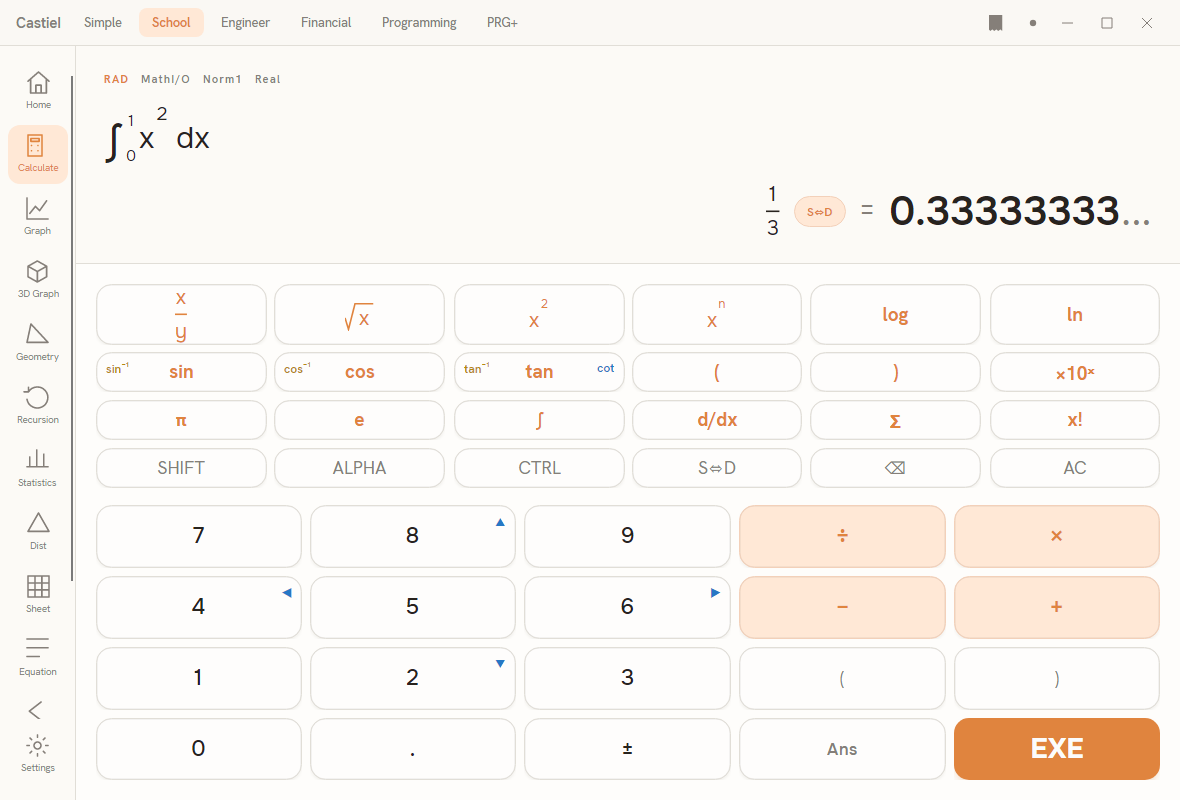
All of the conversions below are typed by name into the entry line and finished with = (or EXE). They work in any mode that offers the entry line; the examples use the School calculator.
Switching the MODE versus converting a VALUE. This is the distinction that trips people up, so it is worth stating plainly.
- The angle mode is a global setting. It decides how a bare number typed into a trigonometric function is interpreted - whether
sin(30)means 30 degrees or 30 radians. You change it in Settings, and the small annunciator near the display (RAD,DEG, orGRA) reports the current choice. That annunciator is a read-only indicator, not a button. - The conversion functions (
deg2rad,dms2deg, and the rest of the angle-unit and sexagesimal family) convert one value into another. They always perform the named conversion regardless of the active angle mode.deg2rad(90)returnsπ/2whether the annunciator readsDEG,RAD, orGRA- the "deg" and "rad" are baked into the function name, not taken from the mode.
The one place the mode does re-enter is the coordinate conversions pol and rec: the angle they hand back (or the angle they read in) is expressed in the active angle unit. So pol(3, 4) returns its direction angle in degrees when the annunciator reads DEG, and in radians when it reads RAD. Glance at the annunciator before using pol or rec, exactly as you would before a trig function.
Reading a paired result. deg2dms, pol, and rec each return two or three values rather than a single number - a distance and an angle, or degrees-minutes-seconds. The other conversions each return a single number.
Reference: the conversion functions
Every function is typed by name. The argument count matters - dms2deg, pol, and rec take more than one.
| Function | What it does | Typed form | Arguments |
|---|---|---|---|
| Degrees → radians | multiplies by π/180 |
deg2rad(x) |
1 |
| Radians → degrees | multiplies by 180/π |
rad2deg(x) |
1 |
| Degrees → gradians | multiplies by 10/9 |
deg2gra(x) |
1 |
| Gradians → degrees | divides by 10/9 |
gra2deg(x) |
1 |
| Radians → gradians | radian to gradian | rad2gra(x) |
1 |
| Gradians → radians | gradian to radian | gra2rad(x) |
1 |
| Deg-min-sec → decimal degrees | combines d + m/60 + s/3600; sign follows d |
dms2deg(d, m, s) |
3 |
| Decimal degrees → deg-min-sec | returns the (d, m, s) triple; needs ` |
x | < 10000000` |
| Rectangular → polar | returns the pair (r, θ); θ in the active angle unit |
pol(x, y) |
2 |
| Polar → rectangular | returns the pair (x, y); reads θ in the active angle unit |
rec(r, θ) |
2 |
Note the two unit conversions that ignore the mode entirely (the deg2rad group and the dms2deg/deg2dms pair) against the two coordinate conversions that respect it (pol, rec).
Worked examples in Castiel
Example 1 - degrees to radians (deg2rad). You have a right angle, 90 degrees, and a formula that expects radians. Convert it.
- There is no need to touch the angle mode;
deg2radignores it. The annunciator can readDEG,RAD, orGRAand the answer is the same. - Type
deg2rad(90)into the entry line and press=. - The result is about
1.5708- which is exactlyπ/2. PressS<->Dto move between the decimal1.5708...and the exactπ/2form where the calculator can show it.
As a check, rad2deg(1.5708) brings you back to about 90. The two functions are inverses of each other.
Example 2 - a rectangular point to polar (pol). A point sits at x = 3, y = 4 on the grid. How far is it from the origin, and in what direction?
This is the classic 3-4-5 triangle: the distance should come out to exactly 5, and the direction is the angle whose sides are 4 up and 3 across.
- Decide the unit you want the angle in and set the annunciator to match. For this example set it to
DEGin Settings so the direction comes back in degrees. - Type
pol(3, 4)and press=. - The result is the pair
r = 5andθ ≈ 53.13degrees. The point is5units from the origin, in a direction about53.13degrees above the positive x-axis. - Switch the annunciator to
RADand evaluatepol(3, 4)again:ris still5, but the angle now reads about0.927radians - the same direction, expressed in the unit the mode selects.
To go the other way, rec(5, 53.13) in DEG mode returns x ≈ 3 and y ≈ 4, recovering the original point. The small rounding in the last digits is expected: 53.13 is itself a rounded angle.
The habit to carry away is the one from trigonometry: for pol and rec, set the annunciator to the angle unit you want first; for the deg2rad family, the function name already says which units it works in, so the mode does not matter.
See also
- Trigonometry - the
sin,cos, andtanfunctions that read the active angle mode, and why the mode changes their answers. - Complex numbers - polar and rectangular forms of a complex number, the close cousin of the coordinate conversions here.
- The School calculator - the surface used in the examples, and where the angle annunciator lives.